Running a Membership Association — Simple Guide
This guide is for clubs, associations, and non-profit organisations — it explains, in plain everyday language, how people go from visiting your website to becoming a full member. No technical words. If you can use email, you can use this.
This guide uses a real example organisation called APODCore to show how it all fits together.
Before you read this guide: if you haven't already, read the Membership — Simple Guide first. This guide builds on top of it — it explains what happens before someone becomes a Member.
The Big Picture
Someone visits your website and fills in a form
        │
        ▼
They show up here as an "Audience" entry
        │
        ├── (You can turn them into a Contact, if you want to)
        │
        └── If they formally join your organisation →
                   They become a full Member
                   (see the Membership guide for what happens next)
1. Website Sign-Ups Show Up as "Audience"
What is this?
When someone fills in a Contact Us form or signs up for Stay In Touch (a newsletter) on your website, they don't become a full Member straight away. First, they show up here as a simple entry — a name and an email address, nothing more.
Where do I find it?
Click CRM Suite, then Audience, on the left-hand menu.
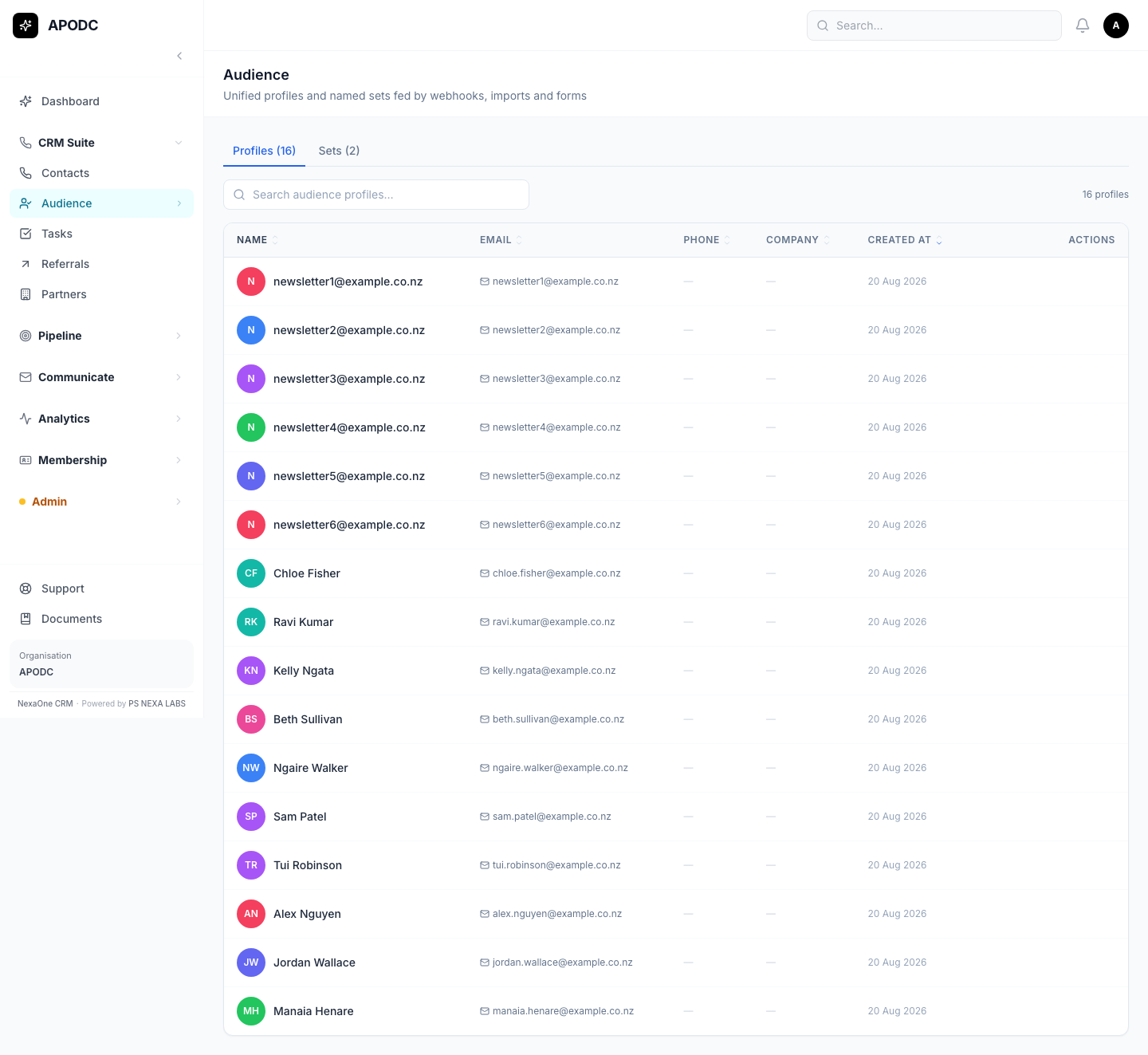
You'll see everyone who has ever filled in a form on your website, whether or not they've gone any further.
The two groups
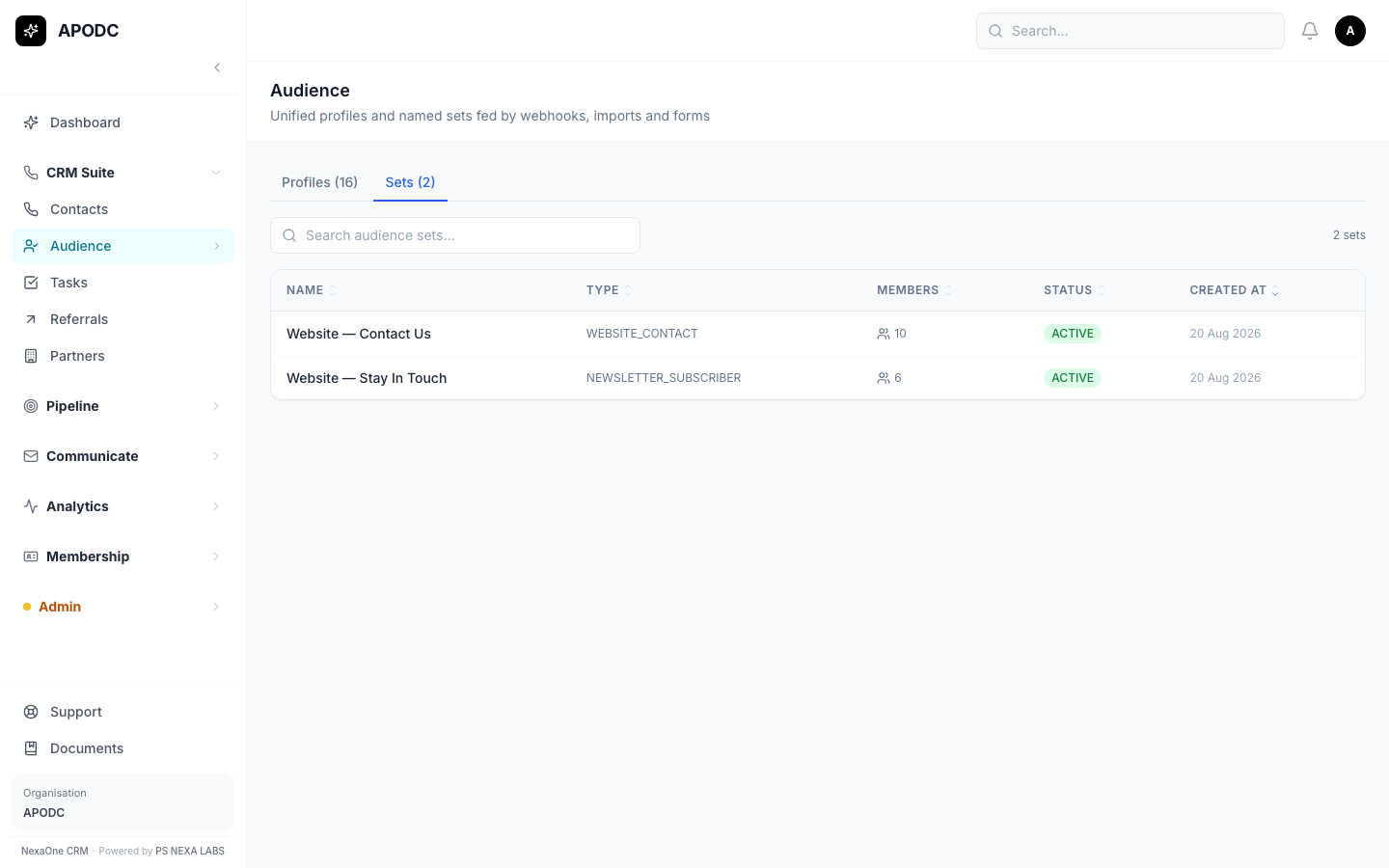
Click the Sets tab to see people grouped by which form they used — Website — Contact Us and Website — Stay In Touch are two separate groups.
Turning someone into a Contact
If you want to keep working with someone from this list — for example, follow up with them by phone — open their page and click Promote to Contact. This is not automatic; you choose who to promote.
2. When Someone Joins as a Full Member
If someone on your website signs up to formally join your organisation (not just a Contact Us message or a newsletter), they come through as a full Member instead — with a join date, a renewal date, and a payment status.
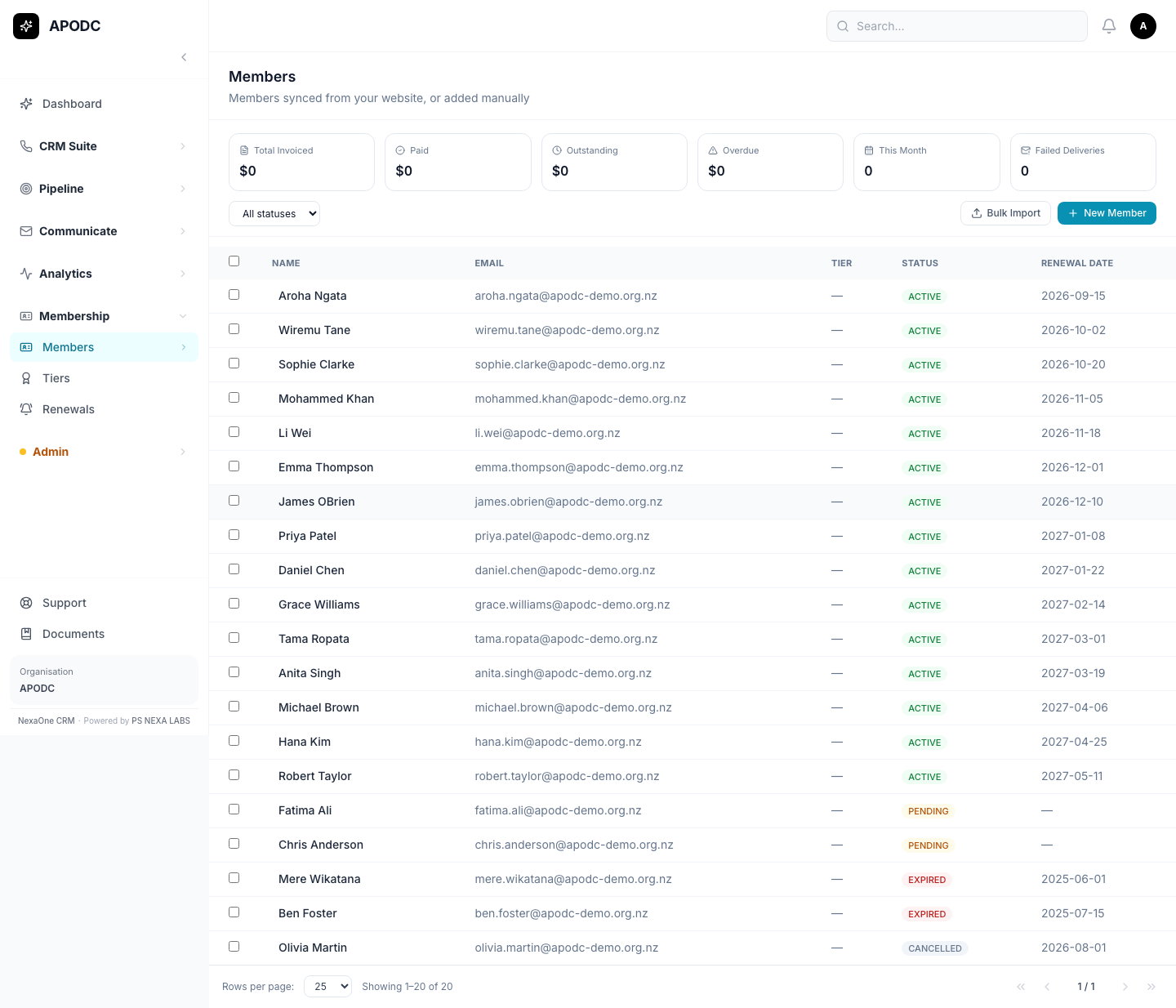
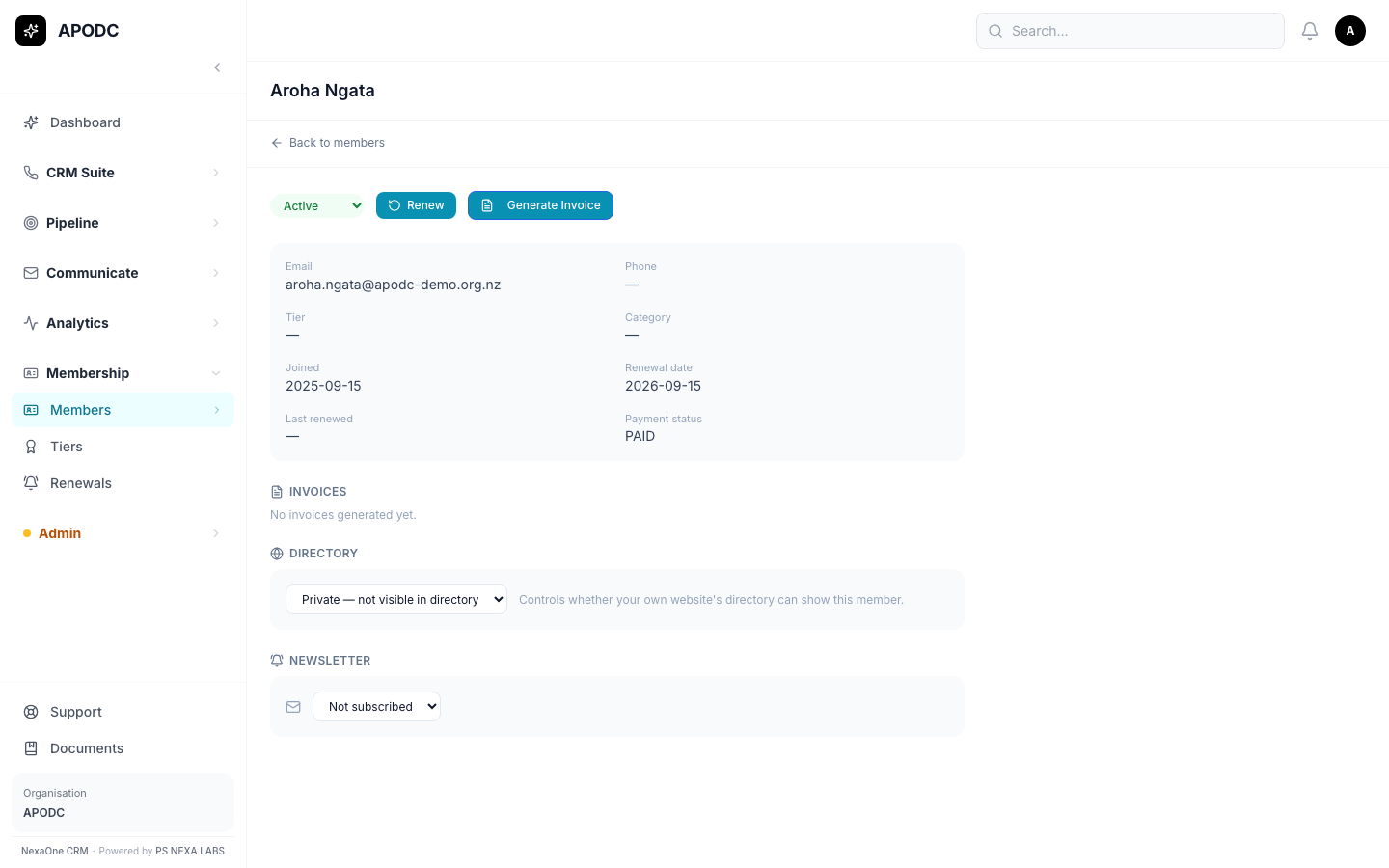
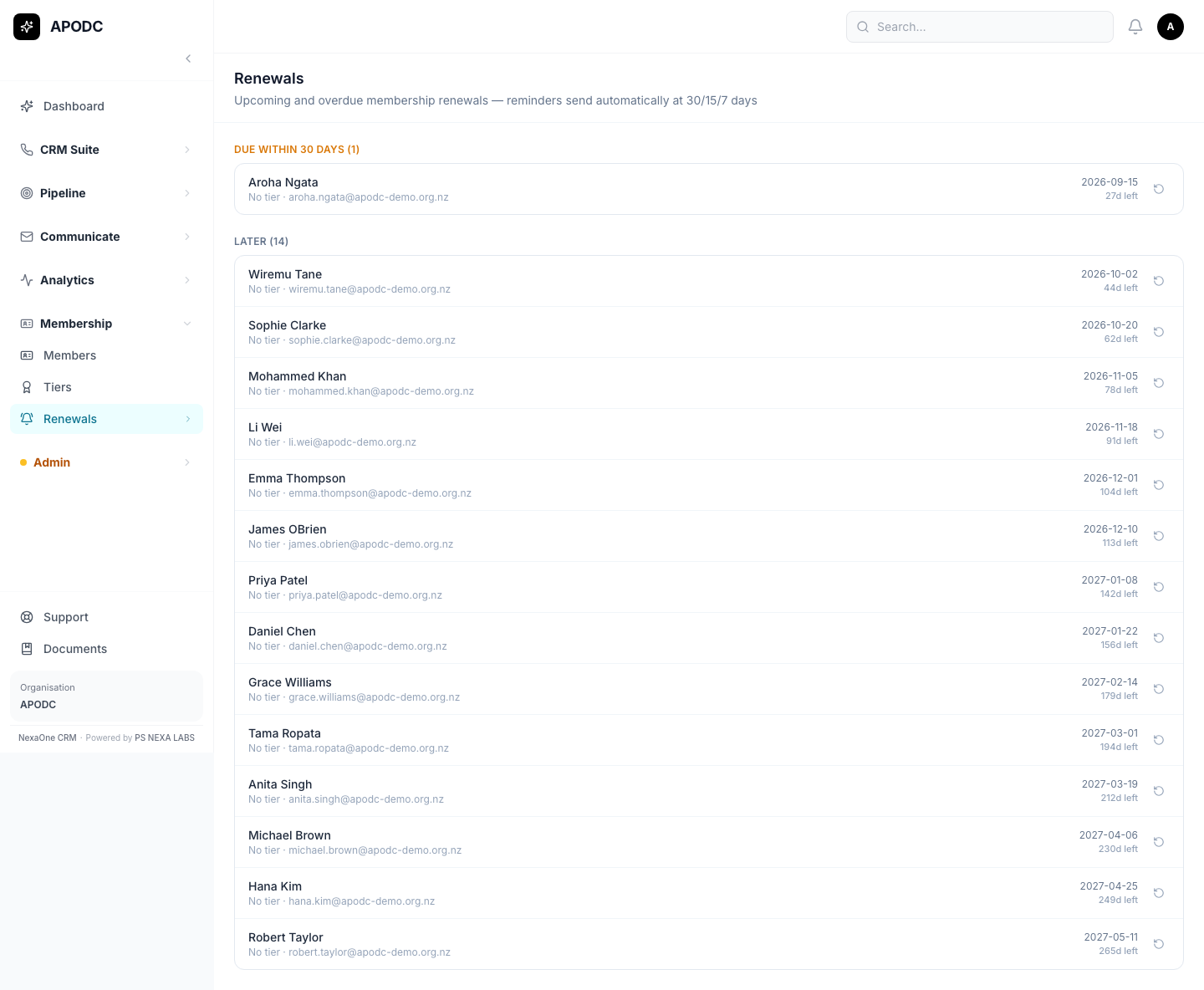
From here on, everything works exactly as described in the Membership — Simple Guide — adding members by hand, looking at one member's details, renewing them, and billing them.
What This System Does NOT Do
To keep things clear, here's what this system doesn't handle for you:
- It doesn't build or host your website. Someone still needs to set up the Contact Us and Stay In Touch forms on your own website so they send their information here.
- It doesn't show a public member directory. There's a setting on each member's page for "show in directory," but that's only a flag for your own website to read — this system doesn't display a public list itself.
- Nobody becomes a Member automatically just by filling in a form. Someone filling in Contact Us or Stay In Touch only creates an Audience entry — turning that into a real Member is a separate step.
Common Questions
Someone filled in our Contact Us form — why aren't they a Member yet? That's expected. Filling in a form only creates an Audience entry (see section 1). Becoming a full Member is a separate step.
Where do I manage members day-to-day — adding them, renewing them, billing them? See the Membership — Simple Guide — everything about day-to-day member management lives there.
Do I need to set up membership Tiers (plans) to use this? No — Tiers are optional. See the Membership guide's Common Questions for more on this.
I can't find something I'm looking for — what do I do? Try the search box at the top of whichever screen you're on. You can also click on any column title to sort.
I clicked a button and it says "Module Not Enabled." That feature hasn't been switched on for your organisation yet. It's not a mistake on your part — ask your manager or admin if you think you should have access to it.